
Free Training & Career Tips... Subscribe to Get Weekly Career Tips

By Subscribing You are Agreeing to Terms and Conditions
Microsoft Excel has long been more than just a spreadsheet program. It is one of the most powerful and versatile business tools in the world — and as we head towards 2026, it remains a critical skill for professionals in every sector. And in an era where data drives decisions, Excel has become a premier tool for data analytics, financial planning, business reporting, and problem-solving.
The way businesses use data is evolving at lightning speed. Big data, AI, and machine learning dominate the global conversation, yet Excel continues to stand as a trusted tool for professionals everywhere. It bridges the gap between complex data systems and day-to-day business decision-making. Whether you are a manager looking at performance dashboards, an entrepreneur projecting growth, or a team member tracking budgets, Excel empowers you to make sense of numbers and translate them into action.
Excel’s importance also lies in its accessibility. Unlike many specialised data tools that require advanced training, Excel is widely available, user-friendly, and adaptable to any industry. From small businesses to multinational corporations, it is the tool that enables people to take raw data and turn it into insights.
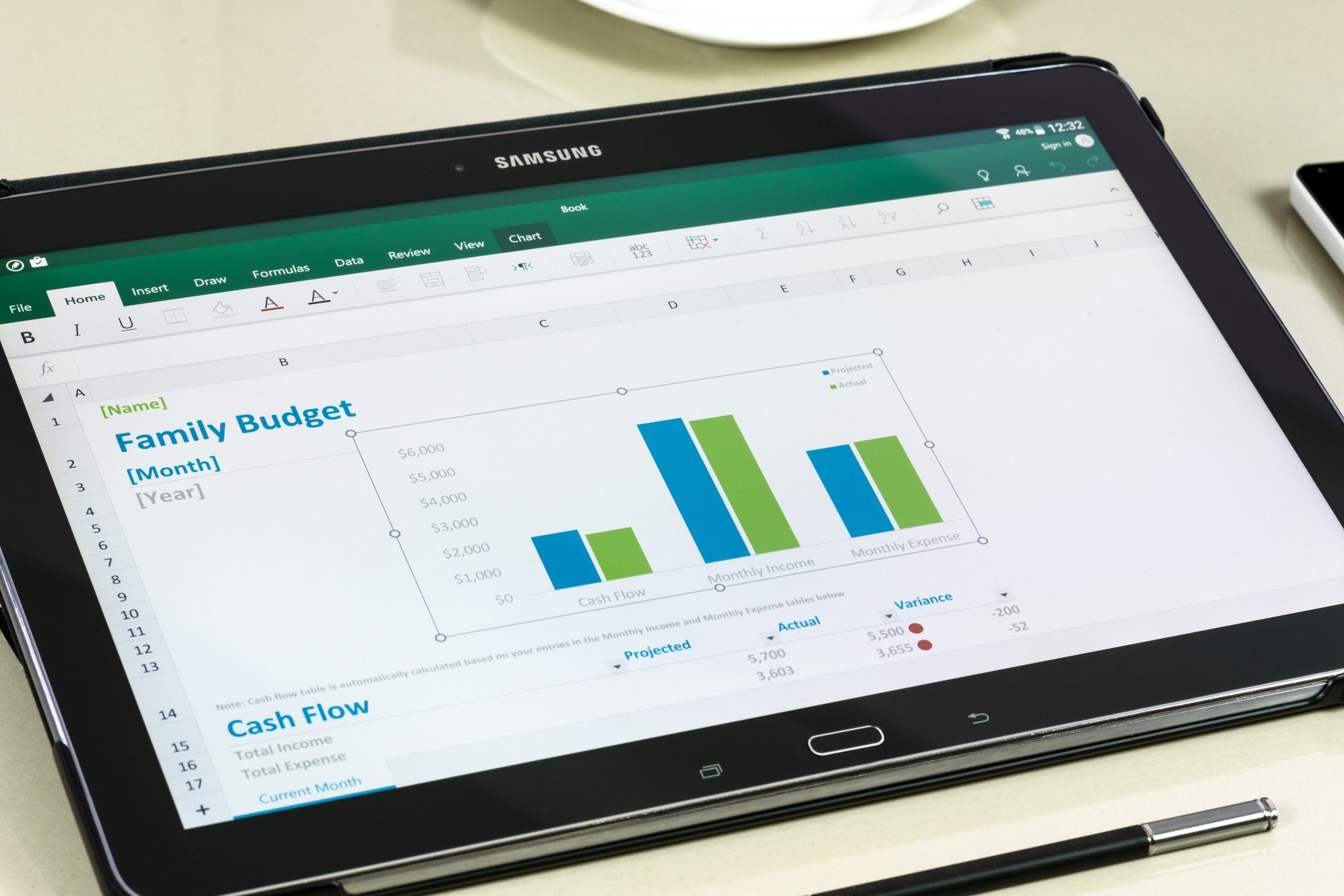
Gone are the days when Excel was used simply to record figures in neat columns and rows. Today, Excel is a robust analytics engine with features that rival specialised software. Functions such as Power Query, PivotTables, and dynamic arrays enable users to process large datasets with ease. Excel also integrates seamlessly with Power BI and other Microsoft tools, making it an essential step in building end-to-end data solutions.
For many businesses in South Africa and beyond, Excel is the first step into the world of data analytics. It allows users to experiment, test scenarios, and visualise outcomes without needing to code or invest in expensive platforms. This makes it an invaluable skill for those wanting to stay competitive in 2026.
1. Master PivotTables – PivotTables remain one of Excel’s most powerful tools. They allow you to summarise, analyse, and explore data in seconds, turning raw numbers into meaningful reports.
2. Use Conditional Formatting Creatively – Highlight trends, risks, or patterns in your data by using colour coding. It makes large datasets easier to read and interpret at a glance.
3. Learn Power Query – This feature simplifies the process of cleaning and preparing data. It saves time and ensures accuracy by automating repetitive tasks.
4. Embrace Dynamic Arrays and Functions – Functions like FILTER, SORT, and UNIQUE help you work smarter by streamlining calculations and data manipulation.
5. Build Interactive Dashboards – By combining charts, slicers, and formatting, you can create interactive dashboards that bring your data to life and help stakeholders make faster decisions.

As we look ahead to 2026, businesses are facing new challenges: economic uncertainty, technological disruption, and a growing demand for agile decision-making. Training in Excel equips individuals with practical skills to meet these challenges head-on. It is not just about number-crunching — it is about critical thinking, problem-solving, and storytelling with data.
In South Africa, where businesses are navigating both local and global shifts, Excel continues to play a vital role in creating clarity from complexity. For professionals who want to stand out, proficiency in Excel is a must-have skill.
Excel is more than just a technical tool; it is a bridge to opportunity. From analysing sales trends to managing project budgets, from visualising forecasts to preparing boardroom-ready reports, Excel gives professionals the confidence to lead with data.
For those who have not yet fully tapped into Excel’s potential, now is the time. As the business world grows increasingly data-driven, Excel will remain the tool that underpins smarter decisions, greater efficiency, and stronger results.
As we prepare for 2026, think of Excel as your passport into the future of work. It is not only about keeping pace with the changes around us but about leading through them. Every formula mastered, every PivotTable created, and every dashboard built brings you closer to making informed, impactful decisions.
Investing in Excel training today means unlocking opportunities tomorrow. In the words of Peter Drucker, “The best way to predict the future is to create it.” With Excel as your tool, you hold the power to do just that.
About Us




Monday to Friday, 08:00–17:00. After hours, we reply on the next working day – or call 011 882 8853.
Copyright text 2026 by Business Optimization Training Institute.